top of page

computer art and photography 1


about.
projects
self portrait

This is a portrait I created in photoshop. I love halloween so I made it spooky. I used mostly the magnetic tool and magic wand to cut out these objects.
chair

I created this in photoshop to practice using the tools. I used this knowledge to make the portrait to the left.
object

I used photoshop to edit my object out of these two photos. I used the clone stamp tool to make it appear as if the shell had never been in the picture.

quiz


WILLOW


I used the transference tool to make this print.
I then carved the linoleum using the tracing. I used the stamp to print on cloth and the painted paper.


DaBanksy
I used photoshop to make an art inspired by Banksy. I chose to focus on the issue of homophobia. I put my artwork on the inside of the courtyard so many students could see it.
Adobe Illustrator Practice
I used adobe illustrator to make block and bubble letters using the pen tool.
Vines


I made vines using various tools on adobe illustrator.


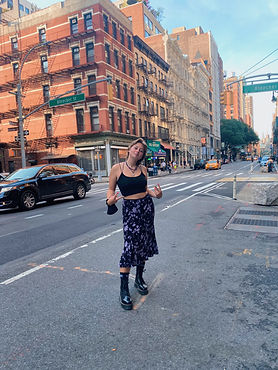
Vectorizing Myself
I used adobe illustrator to make shapes and colored them to fully color my original image.
Day 1 Photo
Rule of Thirds

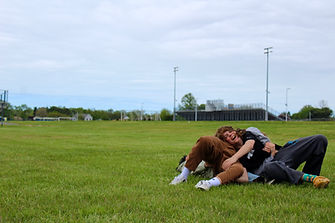
I used my camera and used the rules of thirds to take some photos outside.
I used my phone and took pictures outside.
Hat

work in progress...


contact.
socials


bottom of page